Accountability
Issue assets to employees, have them acknowledge receipt, and receive them back with condition notes.
Kinect tracks who holds each company asset, routes gate passes through your approvers, and lets security confirm at the gate with a quick barcode scan.
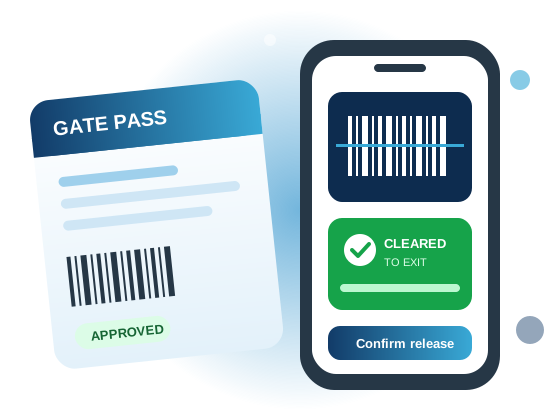
From issuing a laptop to an employee to releasing equipment at the gate, every step is recorded and approved.
Issue assets to employees, have them acknowledge receipt, and receive them back with condition notes.
Request returnable or non-returnable gate passes with validity windows and item lists.
Configure as many approval steps as you need: department heads, roles or named approvers.
Guards scan an asset with a handheld scanner or phone camera and see instantly if it may pass.
Build your own request forms (equipment, repairs and more) that follow the same approval flow.
Decide exactly which pages and panels each role can see and use.
An employee lists the assets leaving the premises, the purpose and the validity period.
Each approver in the workflow approves, rejects or returns it for changes.
At the gate, security scans each asset. Green means covered by an approved pass.
Releases and returns are logged automatically, completing the pass.
Sign in with the account provided by your administrator.
Sign in